Local project storage
Project content and editing state are stored through the desktop app’s native data layer.
Preparing your workspace
Desktop speech studio
Create natural speech, transcribe live or recorded audio, and keep every project in one focused desktop workspace.
Windows macOS Version 1.0.2
From idea to finished audio
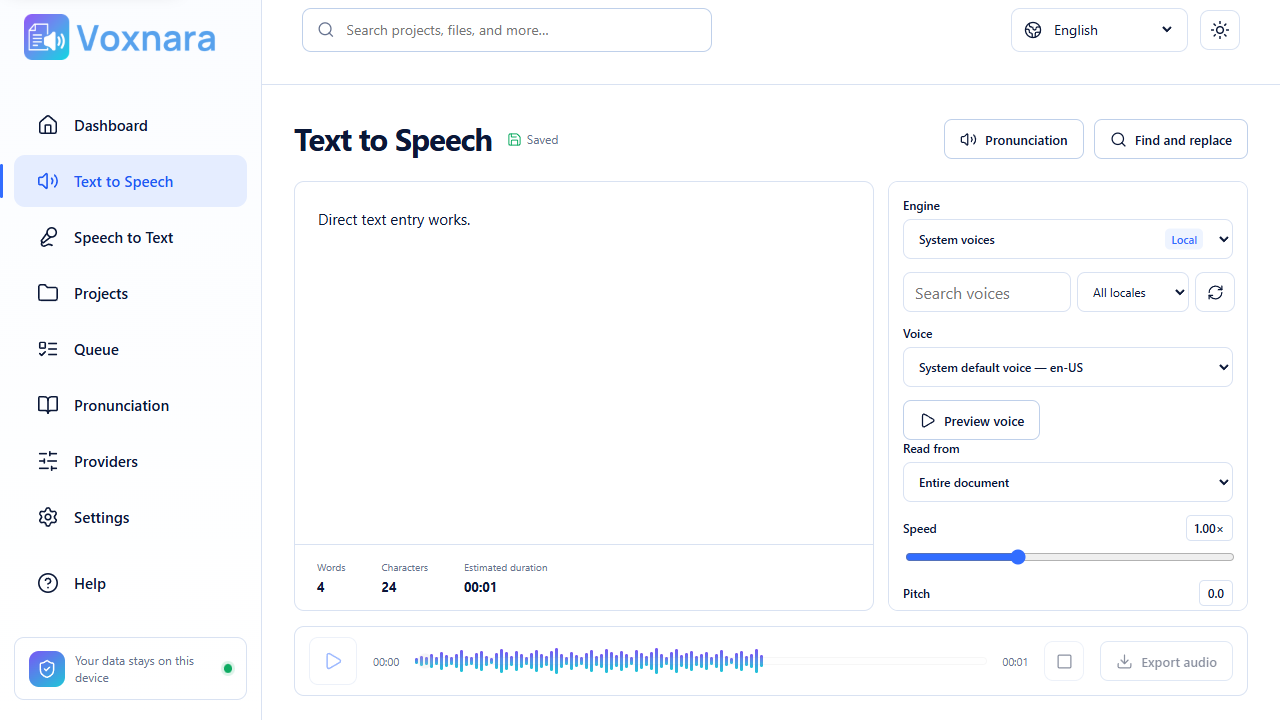
Move from raw text or audio to a finished project without switching between disconnected tools.
Type a script, import audio, record a microphone, or capture desktop sound.
Choose voices, tune delivery, mark effects, or refine a live transcript.
Keep the complete project and export audio or a transcript when it is ready.
Text to Speech
Build natural speech with document-wide engine controls and precise settings for the passages that need a different voice, pace, emphasis, or effect.
Apply different voices and delivery settings to selected words or passages.
Reuse dictionary entries for names, abbreviations, dates, and specialist terms.
Create WAV, MP3, OGG, or WebM audio, with conversion when the engine needs it.
Speech to Text
Transcribe microphones, desktop audio, or recordings into a living canvas. See live text while you work, then edit and save it as a project.
Watch new speech arrive in the canvas during microphone or desktop capture.
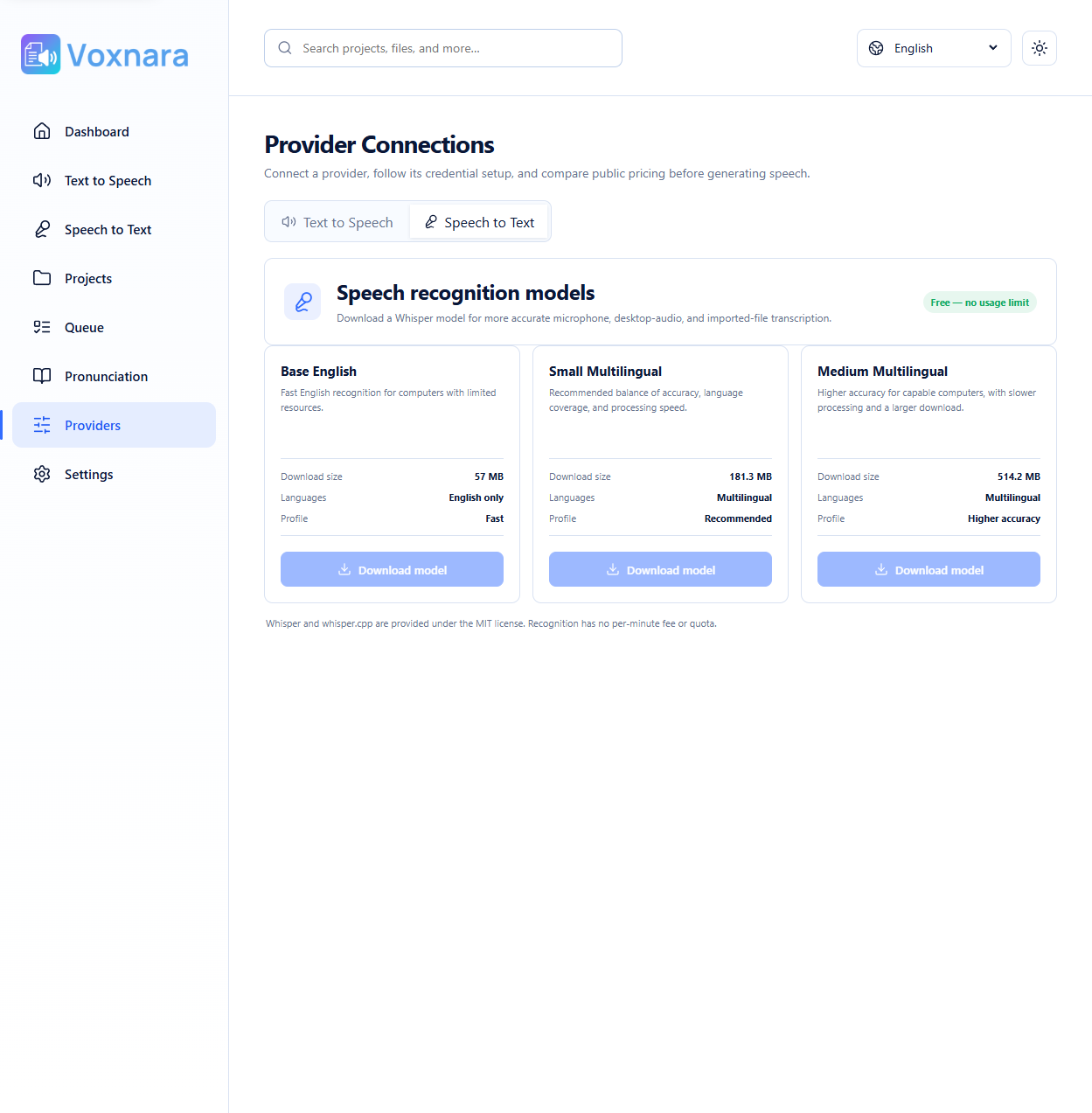
Use user-managed Whisper models with automatic GPU preference and CPU fallback.
Separate speakers in supported workflows with configurable speaker detection.
Built around your workflow
Voxnara keeps project work focused on the desktop and makes connected speech services an explicit choice.
Project content and editing state are stored through the desktop app’s native data layer.
Connect supported speech providers with your own credentials and see only the capabilities they offer.
Offline recognition does not quietly send audio to a cloud service when a local model is unavailable.
Inside the workspace
Ready when you are
Download Voxnara and bring text, voice, and transcription into one desktop workspace.