Local recognition
STT audio stays on the device. A missing local model or unsupported locale fails closed instead of silently switching to a cloud service.
Preparing your workspace
Voxnara brings text, voice, and transcription into one desktop workspace—so you can create, refine, and export without breaking your flow.
Windows macOS Version 1.0.2
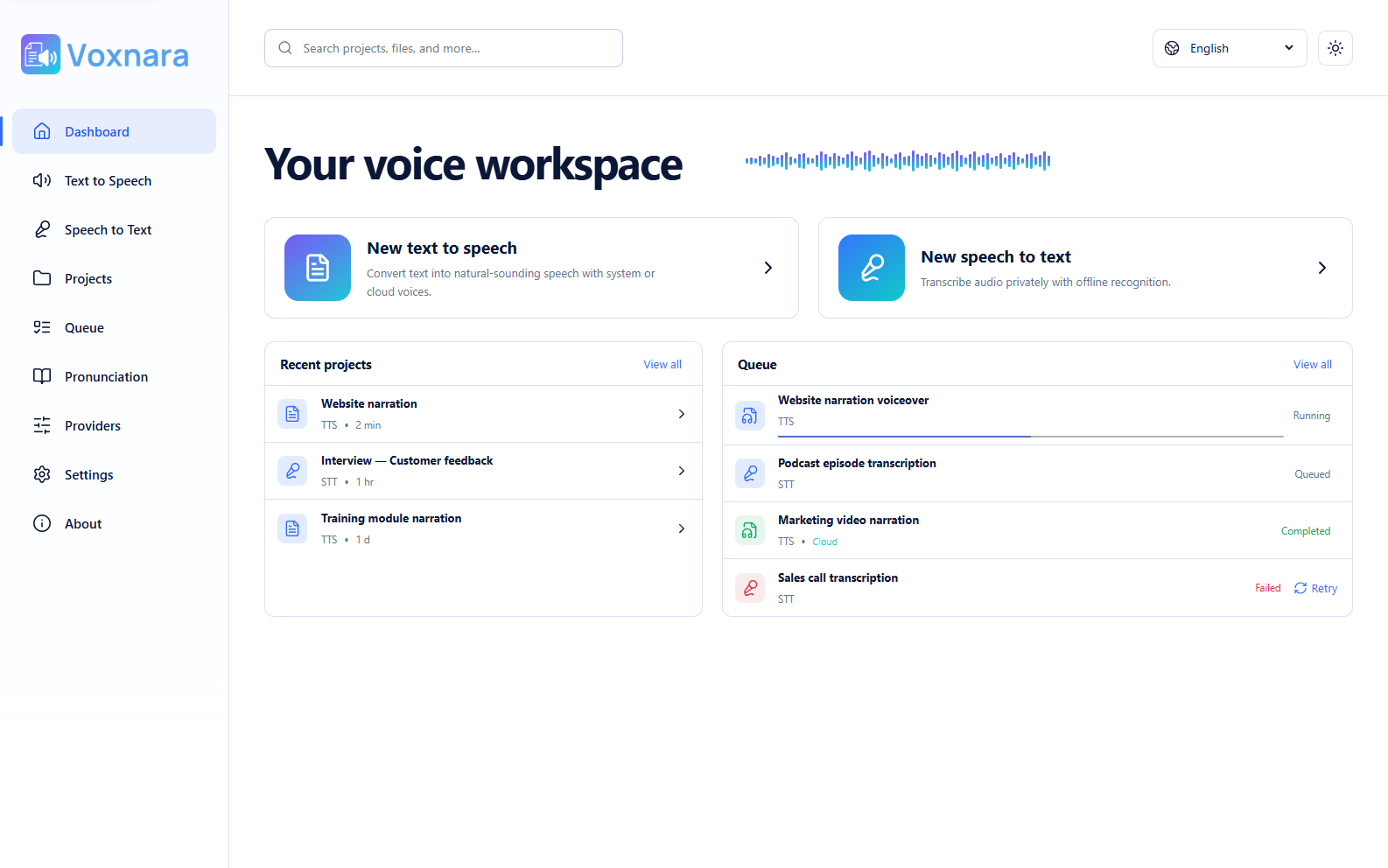
Set the voice and delivery for the whole document, then give selected words or passages their own voice, pacing, emphasis, or effect.
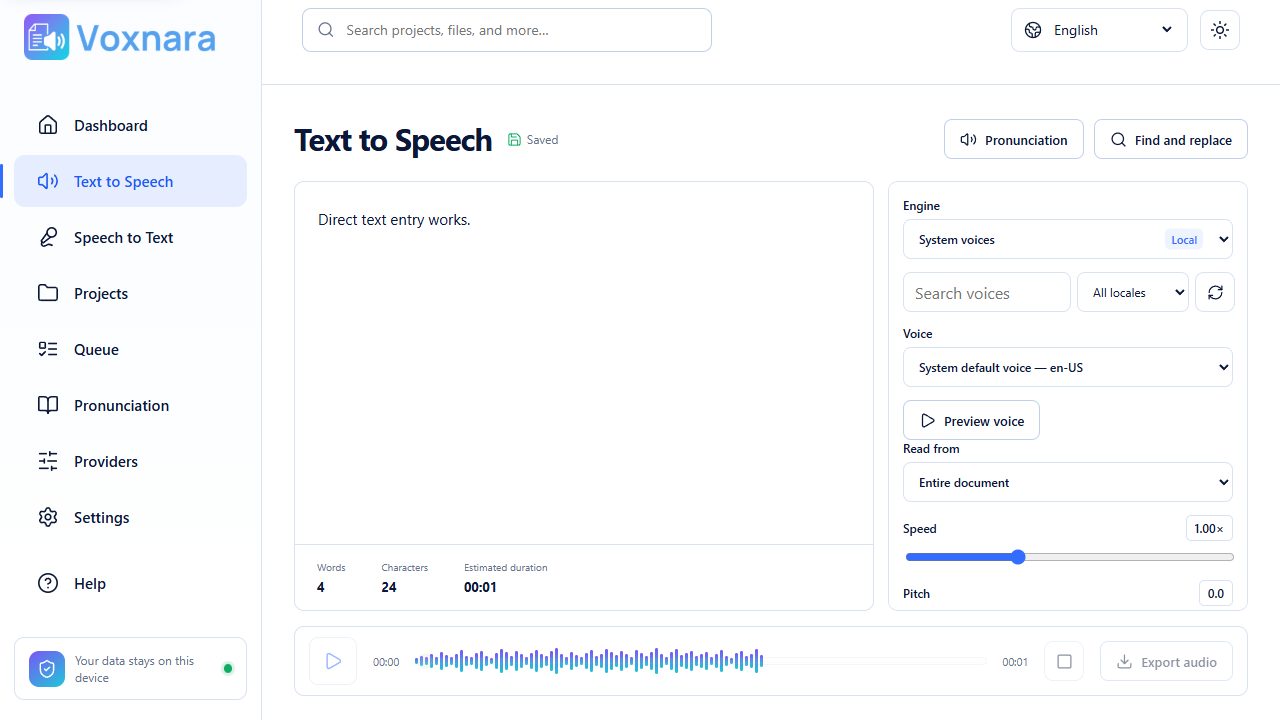
Choose from connected or installed voices, then set document-wide rate, pitch, loudness, style, and exact pauses between words when supported.
Highlight any passage to override its voice and delivery. Mix multiple voices deliberately without changing the rest of the document.
Build reusable rules for names, abbreviations, dates, specialist terms, and custom phrase replacements.
Export WAV, audio-only MP4, OGG, or WebM. Voxnara keeps a WAV master and converts locally when the selected engine does not provide the destination format.
Export audio
Real containers. Validated codecs. No renamed files.
Shape selected passages with local audio processing. Effects are visible on the canvas, saved with the project, and combined only where they are compatible.
Turn a microphone, supported desktop output, or imported audio into an editable transcript canvas using local recognition.
STT audio stays on the device. A missing local model or unsupported locale fails closed instead of silently switching to a cloud service.
Compatible Whisper models prefer GPU acceleration and automatically fall back to bounded CPU processing when needed.
Select an expected count from 1 to 10. Local diarization applies generic speaker labels after capture while preserving the transcript if labeling fails.
Completed recording chunks and committed segments remain recoverable after interruption, device loss, or restart.
Work with timestamps, notes, bookmarks, speaker names, find and replace, revisions, and playback-linked segments.
Create clean TXT or Markdown, structured JSON, and timestamped SRT or WebVTT files.
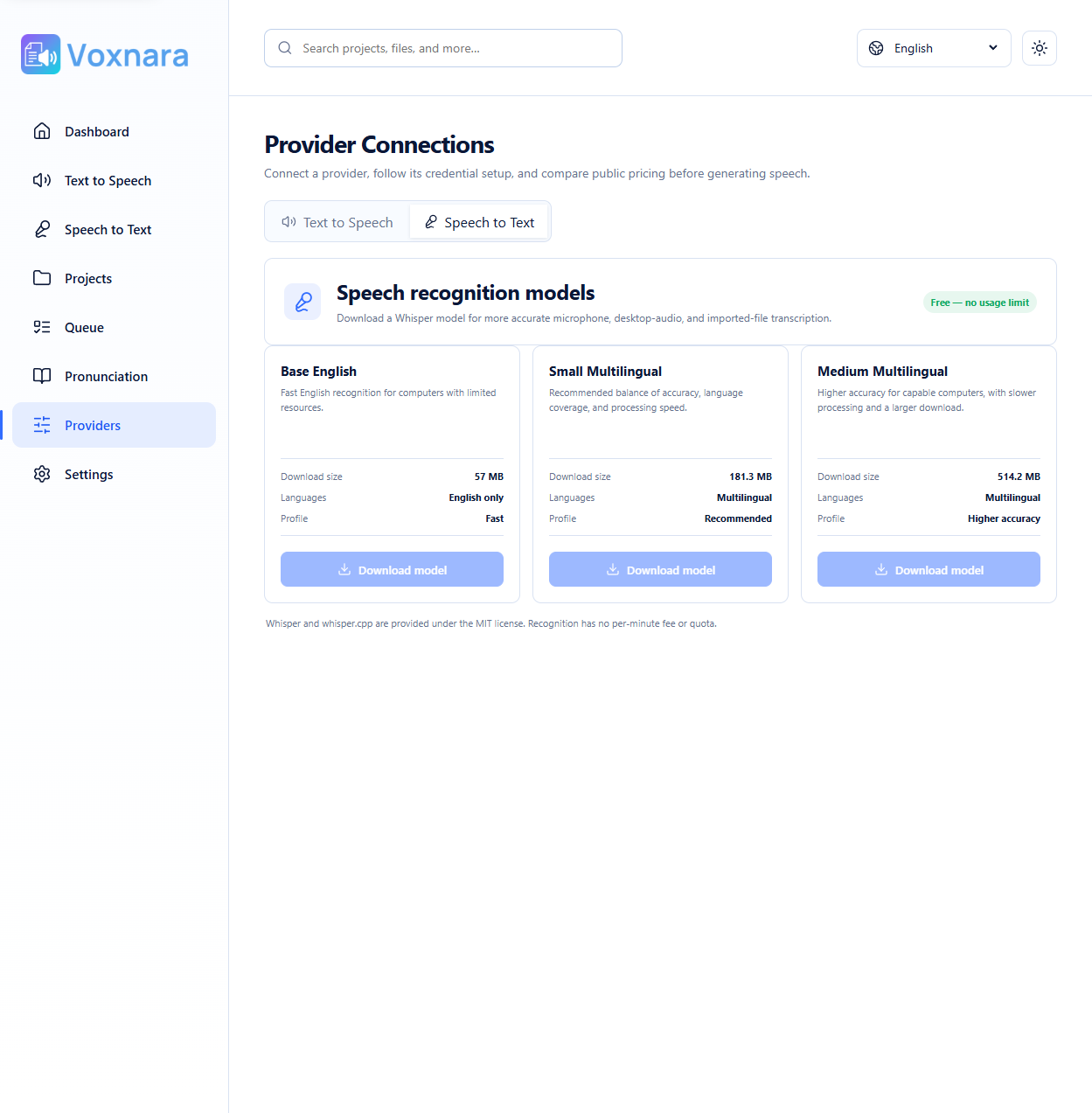
Create, autosave, search, and return to TTS documents or STT sessions. The queue keeps long-running work visible and recoverable.
Optional cloud Text to Speech uses your own provider credentials. Voxnara lists only the capabilities reported by each connected service.
Create voice, capture speech, and keep the project ready for the next edit.